How Accurate Are Calorie Tracking Apps?
An honest look at where calorie apps are precise, where they're not, and how to track accurately enough to actually get results.
The Real Question Isn't "Is It Exact?"
Calorie tracking will never be laboratory-precise, and it doesn't need to be. The useful question is: is it consistent and close enough to guide decisions? The answer is yes. The app does the arithmetic perfectly; what varies is the quality of the numbers you feed it. Understand the four error sources below and you can keep your tracking well inside the range that produces real results.
The 4 Sources of Error
| Source | Typical error | Fix |
|---|---|---|
| Wrong database entries | Can be large (user-submitted) | Pick verified entries; scan barcodes |
| Portion estimation | ±10–20% | Weigh high-cal foods; use measures |
| Cooking changes (oil, water) | Varies | Log oil added; use cooked entries |
| Food-label tolerance | Up to ±20% (legal) | Unavoidable; averages out over time |
The biggest and most fixable of these is database quality. Apps that lean on huge user-submitted databases accumulate duplicates and flat-out wrong entries, so the same food might show three different calorie counts. Choosing verified entries or scanning the barcode eliminates most of this error instantly.
Food Labels: The ±20% Rule
Here's the part that surprises people: even a "perfect" log built entirely from packaged-food labels isn't exact, because nutrition labels themselves carry a tolerance. Regulators (the FDA in the US, and similar bodies elsewhere) permit the actual calorie content to deviate from the printed value — commonly cited as up to about 20%. So a "200 kcal" bar might genuinely be 180–240 kcal. This is built into the system and nothing an app can fix — but because it's random across many foods, it largely averages out over weeks.
Random errors cancel out; systematic ones don't. If you log the same way every day, the ±20% label noise and your portion estimates wash out across hundreds of entries, leaving a stable signal you can act on. That's why a "roughly right, every day" log beats a "perfect, occasionally" one.
AI Photo Scanning Accuracy
AI photo calorie counters add convenience but their own uncertainty. From a single image, the model infers portion weight, cooking oils, and hidden ingredients — all hard to see in a photo — so estimates drift most on calorie-dense extras like dressings, sauces, and the oil a dish was fried in. They're excellent for speed and for relative day-to-day tracking, and they get more accurate when you confirm the suggested portion and use barcode scanning for anything packaged rather than photographing it.
How to Track More Accurately
- Scan barcodes for packaged foods — the label is exact (within the legal tolerance).
- Pick verified database entries, not random user submissions.
- Weigh the high-calorie stuff — oils, nut butters, cheese, granola — where small errors cost the most.
- Save your common meals so you log a verified number in one tap.
- Judge progress by weekly-average weight, not single days or single meals.
Which Apps Are Most Accurate
Accuracy comes down to database quality and how easily you can verify entries. Cronometer leads on raw data accuracy thanks to its curated, verified database. MyFitnessPal has the broadest coverage but variable, user-submitted data. The most practical accuracy comes from an app that combines a clean database with a barcode scanner and AI scanning, so you can always log a food the most accurate way available.
NutriBalance
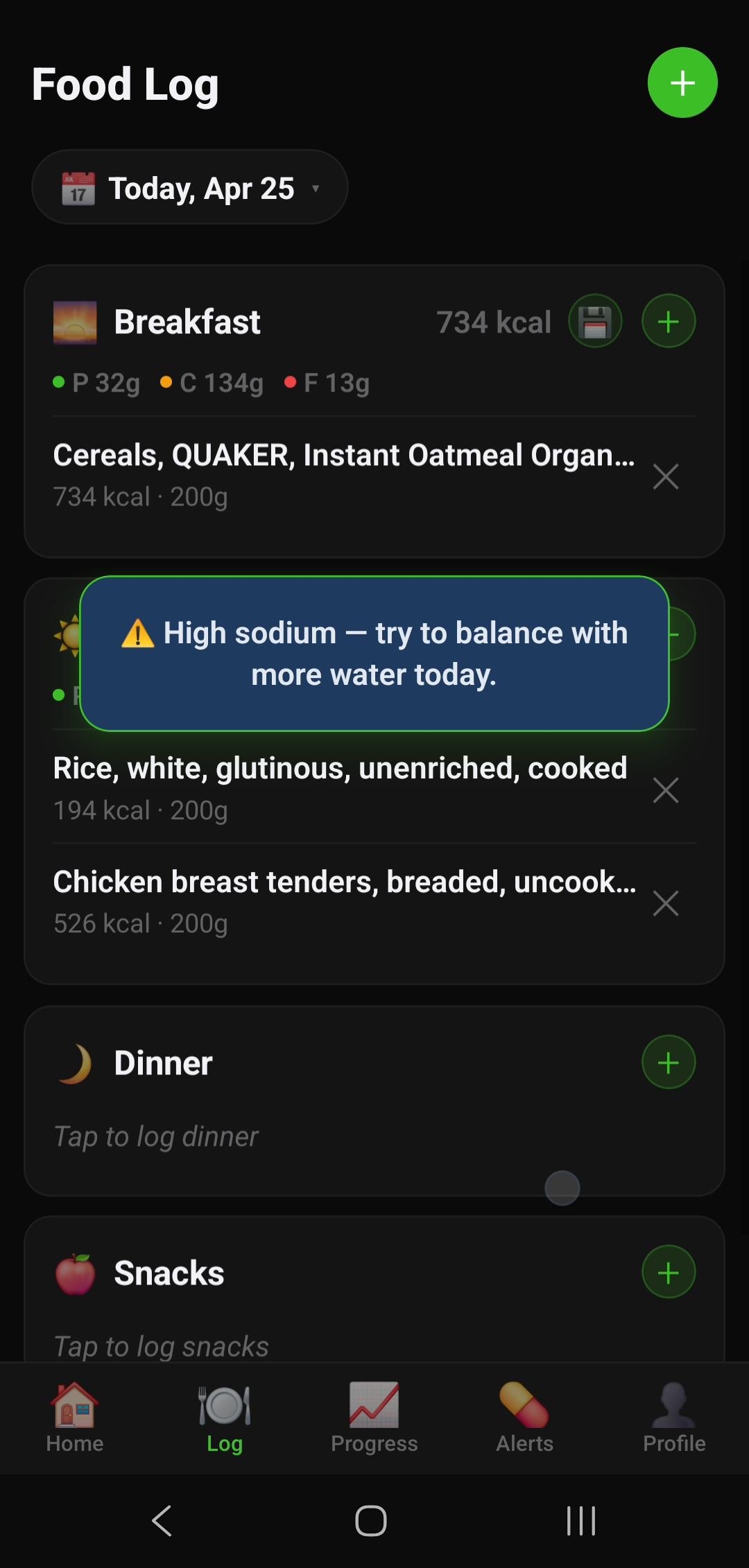
NutriBalance is built to maximise real-world accuracy without the friction. A 7M+ barcode database logs packaged foods exactly, an AI food-label scanner reads nutrition panels directly (no guessing), and you can save common meals as verified one-tap entries. Pair that with full macro tracking and a weight-trend chart that filters daily noise, and you get the consistency that makes tracking accurate where it counts.
The Bottom Line
Calorie apps aren't exact — and they don't need to be. The math is perfect; the inputs carry ~10–20% uncertainty from databases, portions, and labels. Log consistently, scan barcodes, verify entries, and track your weekly weight trend, and your numbers will be more than accurate enough to lose, gain, or maintain on purpose.
Try NutriBalance free for 14 days — Android Try NutriBalance free for 14 days — iOS