Best AI Photo Calorie Counter App 2026 — Snap a Photo, Count Calories
An AI photo calorie counter lets you snap a picture of your meal and get calories and macros in seconds. We compared the best ones on accuracy, free macros, barcode backup, and price.
How an AI Photo Calorie Counter Works
An AI photo calorie counter uses computer vision to do three things from a single picture of your plate: identify each food, estimate the portion size, and look up the calories and macros. You point the camera, tap once, and a few seconds later you've logged a meal — no searching, no manual entry.
It's the fastest way to log home-cooked and restaurant meals that would otherwise take a dozen taps. The catch is that the calorie count is an estimate built from a flat image, so the best apps pair AI scanning with ways to verify the result.
Photo-first apps (Cal AI, SnapCalorie) make the camera the whole product — slick, but subscription-based and reliant on the photo alone. Hybrid trackers (NutriBalance, MyFitnessPal) add AI scanning on top of a database and barcode scanner, so you can confirm the estimate. Hybrids are more accurate for everyday logging and usually cheaper.
What to Look For
When choosing an AI photo calorie counter, weigh these five factors:
- Recognition + portion accuracy — how reliably it identifies foods and sizes
- Verification — can you confirm against a database entry or barcode?
- Free macros — protein, carbs and fat without a paywall
- Habit tools — streaks and reminders so you keep logging
- Price — what it costs after the free trial
Top 5 AI Photo Calorie Counter Apps Ranked
NutriBalance
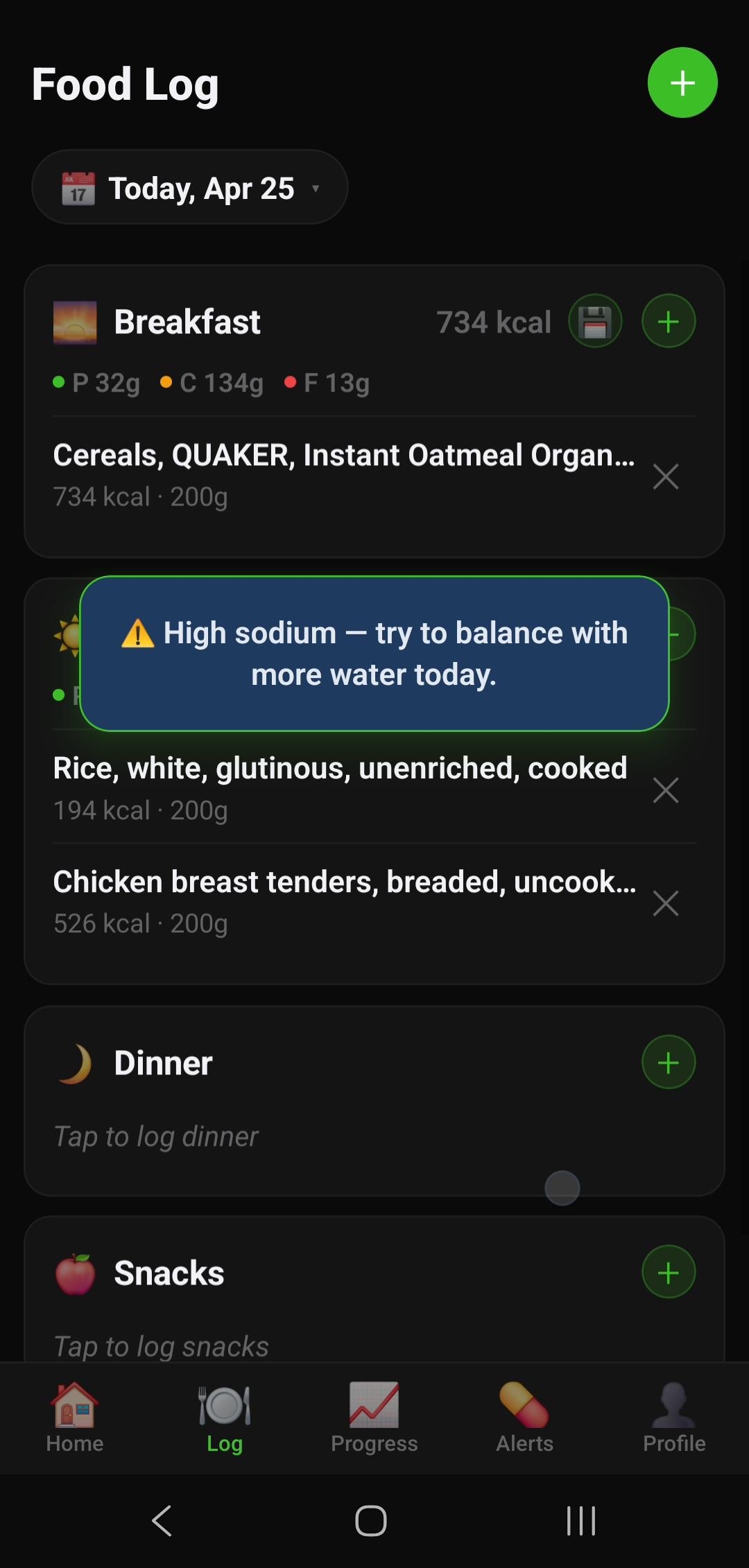
NutriBalance is the best AI photo calorie counter in 2026 because it gives you the camera and everything you need to make the count accurate. Snap a photo and the AI plate scanner identifies your food and estimates calories and macros; then, when accuracy matters, verify the result against a 7M+ food database or scan a barcode. It's the most complete way to "snap a photo and count calories" — with a 14-day free trial (card required), then $12.99 AUD/month.
Beyond scanning, it's a full tracker: full macro tracking (not paywalled), home screen widget, and a streak-and-league system that keeps you logging. AI scans come on a generous allowance, so the camera is part of your subscription, not a premium upsell on top.
Pros
- AI plate scanner plus 7M+ database and barcode scanner
- Snap a photo, then verify for max accuracy
- Full macro tracking free
- Streak and league gamification — builds the habit
- Free home screen widget
- 14-day free trial (card required), then $12.99 AUD/month
Cons
- AI scans allowance-based (10 free trial, 100/month premium)
- Newer app — smaller community
- No Garmin/Fitbit sync yet
SnapCalorie
SnapCalorie is the purest photo-first calorie counter, with some of the best AI portion estimation in the category. If all you want is to point and log, it's excellent. The trade-offs are a subscription, a lighter database and barcode experience, and no habit system.
Pros
- Best-in-class portion estimation
- Clean, fast photo logging
Cons
- Subscription-based
- Lighter database/barcode fallback
- No streaks or gamification
Cal AI
Cal AI is the most popular dedicated AI photo calorie counter, with a polished snap-and-log flow. It's a strong photo-first option but subscription-only (around $29.99/year) with a limited database, and no accountability features.
Pros
- Polished, beginner-friendly interface
- Fast photo logging
Cons
- Subscription-only, no real free tier
- Limited database/barcode backup
- No streaks or gamification
MyFitnessPal
MyFitnessPal added AI meal scanning to its giant 14M+ database and barcode scanner. It's a capable hybrid, but the AI scan and macros are Premium features ($19.99/month), and there's no gamification — so it's powerful but pricier and less sticky.
Pros
- Largest database (14M+) and best barcode coverage
- AI meal scan plus integrations
Cons
- AI scan and macros paywalled — $19.99/month
- Heavy ads on free tier
- No gamification
Cronometer
Cronometer isn't a photo-first app, but it's the accuracy benchmark — a verified USDA-based database with 80+ micronutrients free. If you care more about precise numbers than snapping photos, it's the most rigorous option here.
Pros
- Most accurate verified database
- 80+ micronutrients free
Cons
- No AI photo scanner as primary input
- Slower to log; clinical UI
Full Feature Comparison
| Feature | NutriBalance | SnapCalorie | Cal AI | MyFitnessPal |
|---|---|---|---|---|
| Monthly cost | Free / ≈$8.49 | Subscription | ≈$29.99/yr (no free tier) | Free / $19.99 |
| Snap-a-photo AI counter | ✓ | ✓ | ✓ | ~ Premium |
| Database verification | ✓ 7M+ | ~ Limited | ~ Limited | ✓ 14M+ |
| Barcode scanner backup | ✓ | ~ Basic | ~ Basic | ✓ |
| Full macro tracking | ✓ | ✗ | ✗ | ✗ Paid |
| AI scanning included | ✓ Allowance | ✗ | ✗ | ✗ |
| Streak / gamification | ✓ Full system | ✗ | ✗ | ✗ |
| Overall (AI photo counting) | A | B+ | B | B (paywalled) |
How Accurate Is It, Really?
AI photo calorie counting has come a long way, and for many meals it lands within a sensible range. But it's worth setting expectations: from a flat photo, the AI has to infer portion weight, the fat used in cooking, and hidden ingredients. Studies and everyday use both show the same pattern — photo estimates are good for relative tracking and quick logging, but they can drift on calorie-dense extras like oils and dressings.
That's exactly why a hybrid approach wins. Snap the photo for speed, then nudge the portion or swap in a barcode/database entry for anything packaged. Over a week, that small bit of verification keeps your totals honest — and apps that don't offer it leave you trusting the camera completely.
Tips for More Accurate Photo Logging
- Shoot from above with the whole plate in frame
- Add a size cue — a fork or hand nearby helps the AI gauge scale
- Confirm the portion the app suggests rather than accepting it blindly
- Scan barcodes for packaged items instead of photographing them
- Save repeat meals as reusable entries so future logs use verified numbers
The "best" AI photo calorie counter isn't the one with the fanciest camera — it's the one that lets you snap fast and verify when it counts. That combination is why NutriBalance tops this list, and why it's the only app here that gives you AI scanning, database, barcode, and full macros together.
Our Verdict: Best AI Photo Calorie Counter 2026
NutriBalance is the best AI photo calorie counter app in 2026 — snap a photo to count calories instantly, verify against a 7M+ database or barcode when you want accuracy, and track full macros free. It's the most complete and the most generous on price, with a streak system that keeps you logging.
Try NutriBalance free for 14 days — Android Try NutriBalance free for 14 days — iOS